Google Business Profile Video Verification: Complete Guide
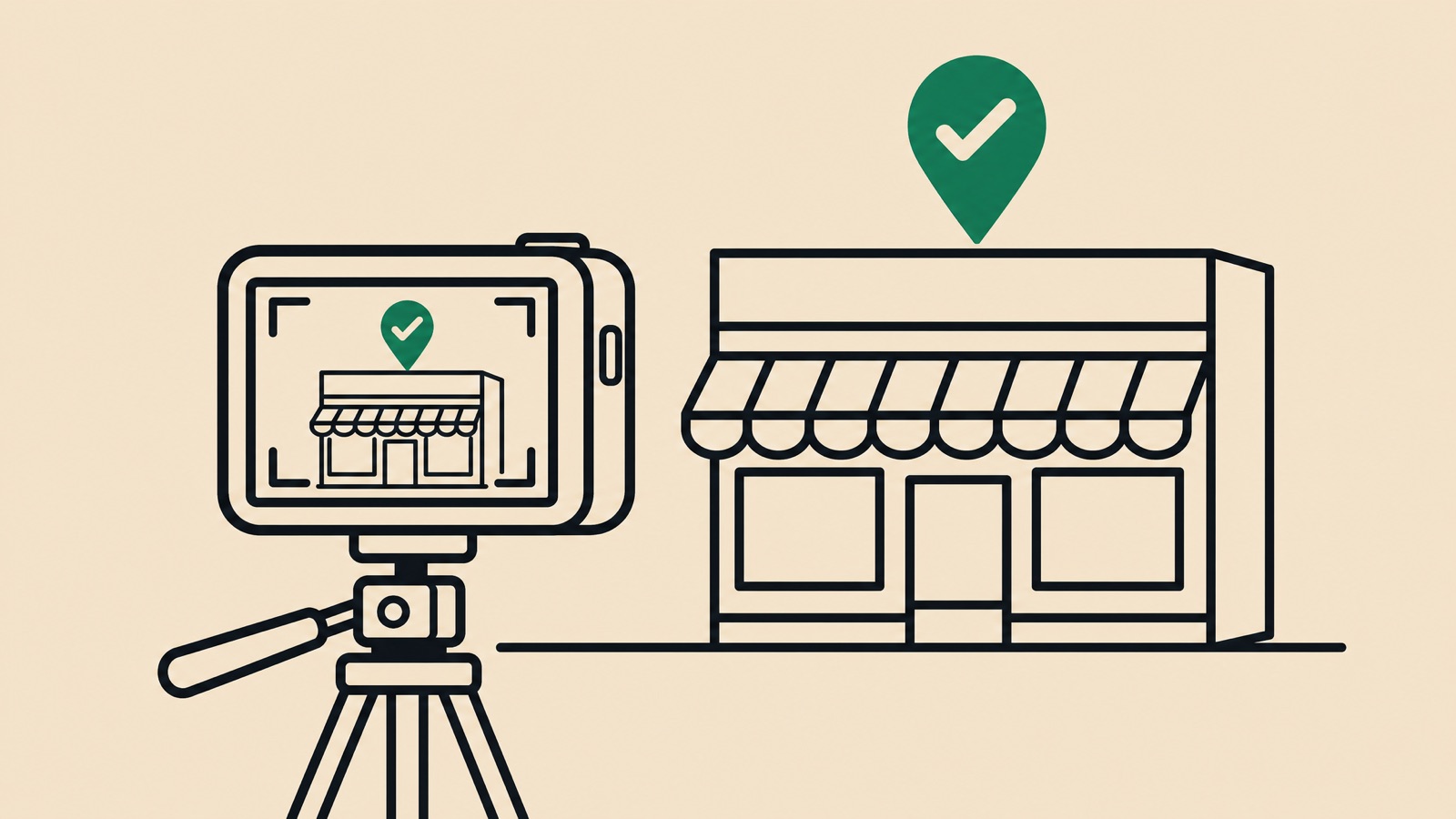
Video verification is routinely requested now, particularly for service area businesses and higher-risk categories, and it fails more often than it should. Usually not because the business is illegitimate, but because the recording did not contain what Google asked for.
The useful part is that Google publishes the requirements in detail, so most of the guesswork circulating about this is unnecessary.
The stated technical requirements
Google’s page is specific. The video must be:
- “An unedited, unique, and complete recording with no breaks”
- “At least 30 seconds long”
- “Recorded and uploaded from a mobile device through your Business Profile”
And it must not include:
- “Sensitive info like bank account, tax, or ID numbers”
- “Private info about you or others”
- “Other people’s faces”
(Verify your business with a video recording)
Three things follow from that list. You cannot film something earlier and upload it later from a laptop, because it is recorded and uploaded through the profile on a mobile device. You cannot edit, so plan the walk before you start. And you need to control the space, because a staff member or customer wandering into frame can invalidate the recording.
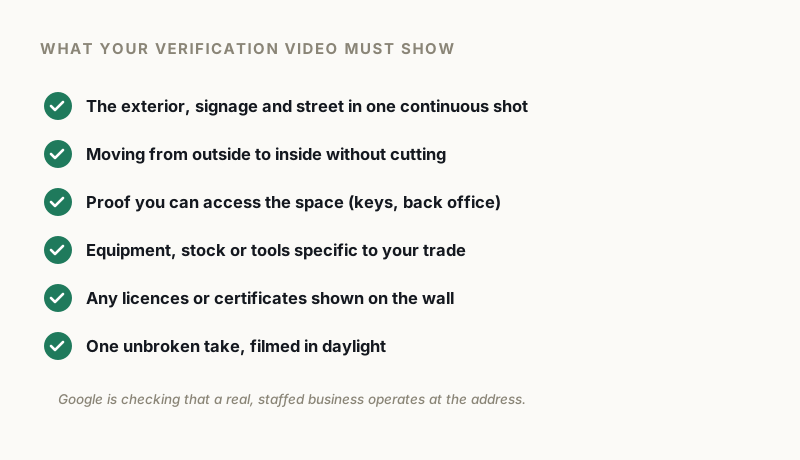
The three proof points
Everything Google asks for falls into three buckets, and a video missing any one of them fails regardless of how good the rest is.
Where the business operates. For service area businesses, Google asks you to “record street signs, nearby landmarks, or other identifiers at your business address”, and warns directly: “Avoid filming empty land or locations without clear markers.”
That warning is doing real work. A driveway, a field or an anonymous street proves nothing, because it could be anywhere. Street signs and identifiable neighbours are what tie footage to a specific point on the map.
If you work from home, Google’s own tip covers you: you can “record landmarks and signs in your immediate neighborhood to verify the address.”
Proof the business exists. Google asks you to “show the professional tools, equipment, or products you use for work”, including “specialized machinery, your workspace, business cards, or branded apparel worn by employees or customers.”
The emphasis is on things specific to your trade. A laptop on a desk does not evidence a plumbing business. Pipe wrenches, a stocked van and branded workwear do.
Proof you manage it. The one most people underplay. Google asks you to “record yourself performing a service or accessing business-only assets, such as unlocking a van that has your business branding.”
Access is the signal. Anyone can film a building. Only someone connected to the business can unlock its door, open its branded vehicle, or log into its systems. Business documents matching the profile name work here too: a permit, an invoice, a utility bill.
Plan the walk before you press record
With no breaks and no editing allowed, sequence matters more than production quality.
A storefront walk that works: start at the street with the sign and street number visible, walk continuously toward the entrance, show the signage connecting your business name to the building, unlock the door yourself, go inside, show the working space and trade-specific equipment.
A service area walk that works: start with street signs and identifiable neighbours near your registered address, move to the branded vehicle and show the branding clearly, unlock it, show the tools inside, then show a document or workspace tying it to the business name.
Hold the phone steady and move slowly, film in daylight where you can, and rehearse once without recording so you are not discovering problems mid-take.
Why videos get rejected
The recurring failures in our casework map neatly onto Google’s own warnings.
Empty or unidentifiable locations, which Google explicitly names. A locked, unbranded van, which proves neither existence nor access. Footage showing the premises but never demonstrating management, so nothing connects the person filming to the business. Recordings broken into segments, which fails the unedited requirement outright. Faces in frame, which breaches a stated restriction.
And business details on camera that do not match the profile. That one deserves attention, because if the van says one trading name and the profile says another, the video has just documented an inconsistency rather than resolving one.
The thing no video can fix
If the address itself is ineligible, verification is not your problem and no recording will solve it.
A P.O. Box address results in suspension. A co-working desk is not permitted unless the office “maintains clear signage, receives customers at the location during business hours, and is staffed during business hours by your business staff”. Service area businesses cannot list a virtual office unless it is staffed during business hours. (Guidelines for representing your business on Google)
Filming a beautiful walkthrough of an ineligible address produces a well-documented rejection. Check eligibility first.
If verification fails
Do not immediately refilm the same video. Work out which of the three proof points was thin, then fix that one specifically.
Do not stack other profile changes on top while a verification is pending either. Editing mid-process is how a recoverable verification problem becomes a suspension, and in our case data around 55% of suspensions trace back to excessive editing in the first place.
Verification cases usually resolve once the recording genuinely contains all three proof points. In our casework it is far more often a planning problem than a legitimacy one, which is why a rehearsal costs less than a second rejection.
If you have failed verification more than once and cannot see which element is missing, a free audit will tell you what your recording needs to show.
GBP Reinstatement Experts
Our team works exclusively on Google Business Profile suspensions, recovering suspended profiles for businesses of every size.
About our GBP reinstatement team arrow_forward