Service Area Business GBP Suspensions: Causes and Solutions
Plumbers, electricians, cleaners and mobile trades operate under a stricter set of profile rules than any storefront, and the rules are unusually specific. Most suspensions in this category come from getting the configuration wrong rather than from doing anything dishonest.
Start with the definition, because everything follows from it. Google treats a service-area business as one that “visits or delivers to customers directly but doesn’t serve customers at their business address.” A hybrid business does both. (Manage your service areas)
The test is not whether you have premises. It is whether customers come to them.
Hide the address. It is a requirement, not a preference
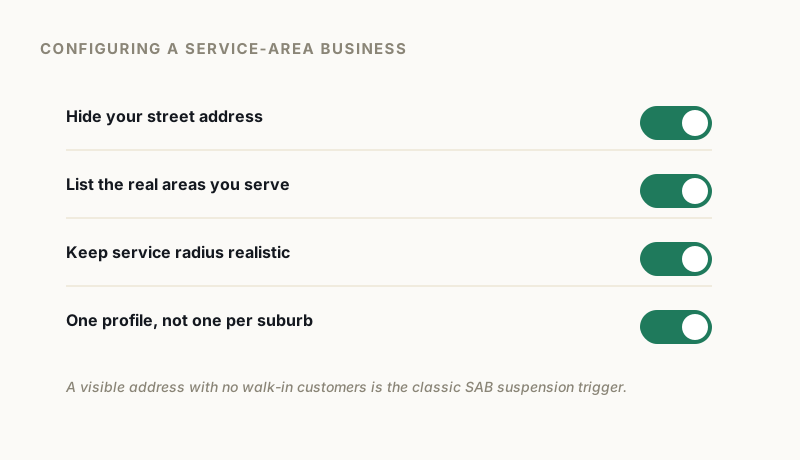
This is the single most common SAB configuration error.
Google’s guidance is explicit: “If you’re a service-area business, you should hide your business address from customers. For example, if you’re a plumber and run your business from your residential address, clear the address from your Business Profile.” (Guidelines for representing your business on Google)
And on the service areas page: “If you don’t serve customers at your business address, remove your address from your Business Profile.”
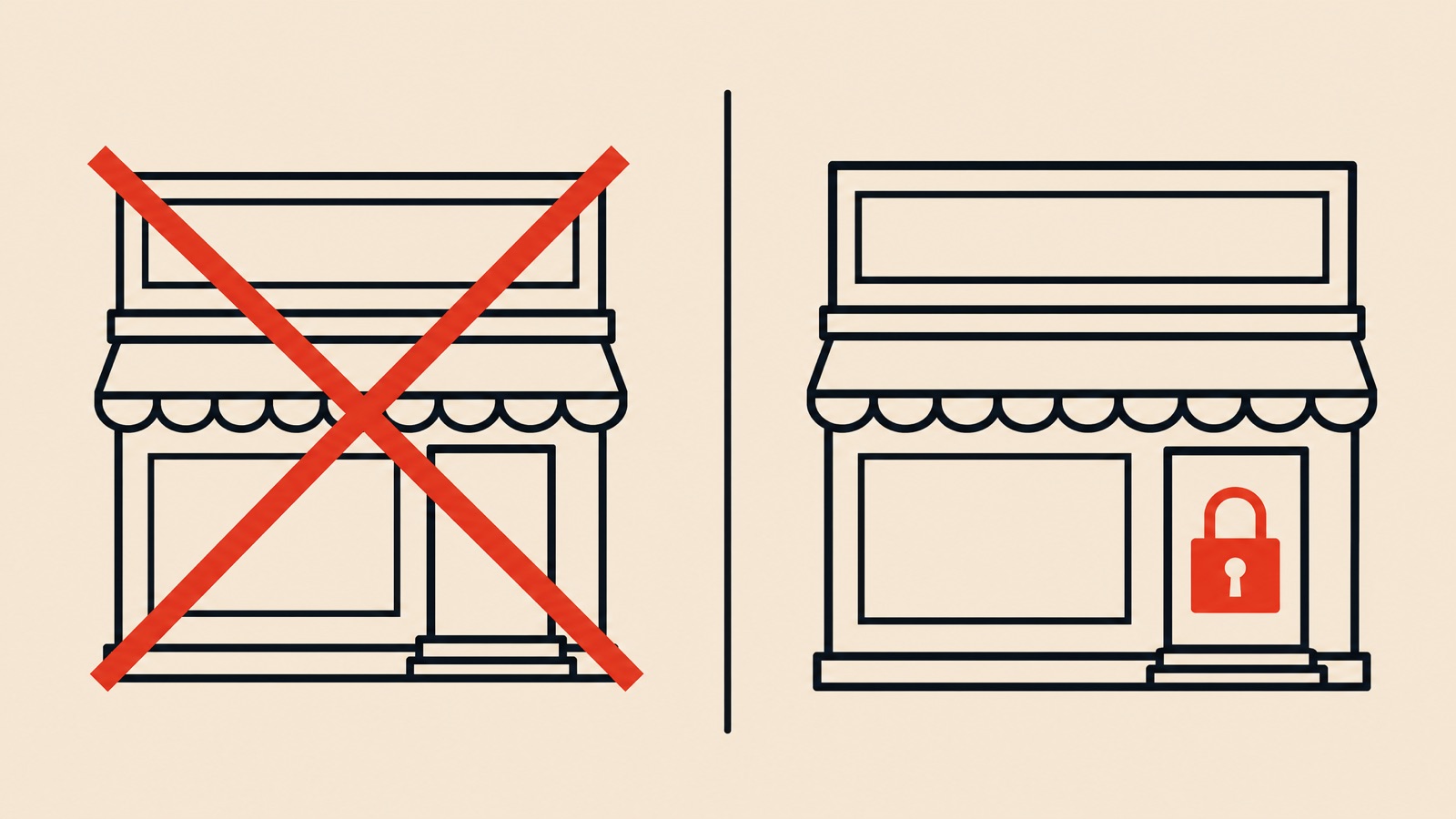
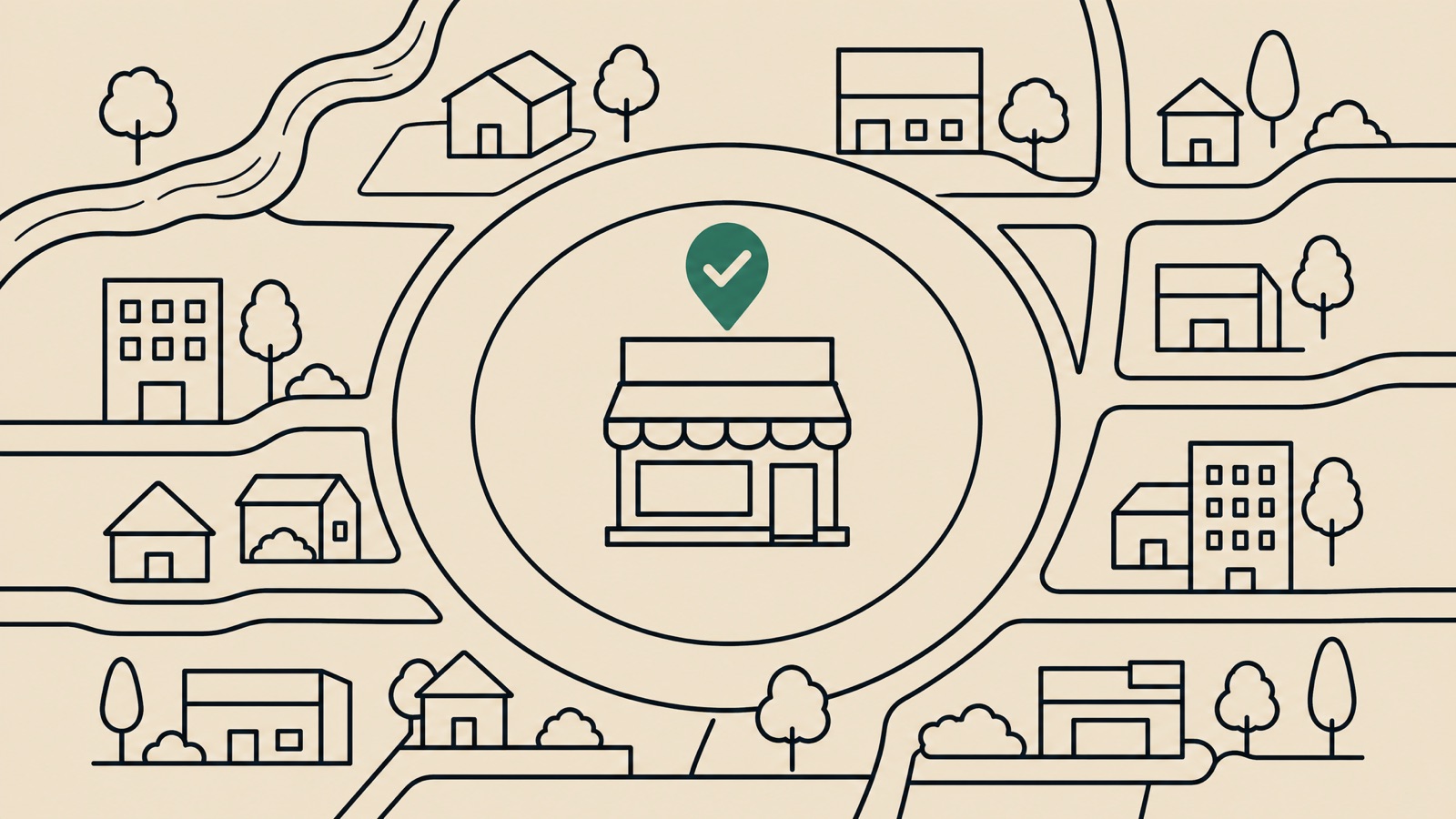
A visible residential address on a trades profile is a standing invitation to be flagged. You still verify at that address. It simply is not shown publicly, and your listing appears without a map pin.
The exception is genuinely hybrid operations. If customers do attend your premises, and it is staffed during your stated hours, you show the address and set a service area alongside it.
The radius setting no longer exists
Plenty of guidance still tells service area businesses to set a service radius. That advice, including in an earlier version of this article, is out of date.
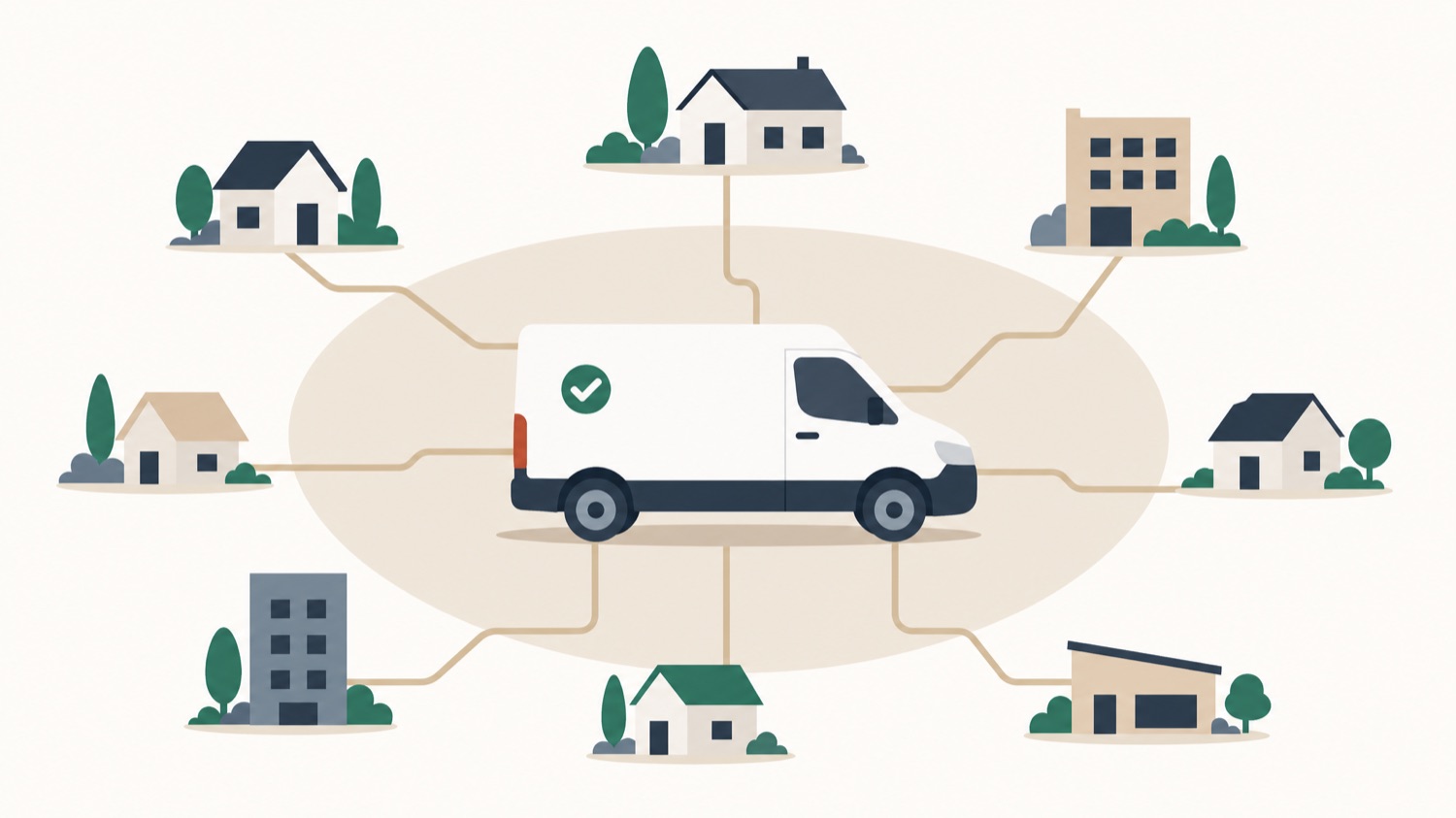
Google’s page is unambiguous: “You can’t set your service area as a radius distance around your business. If you previously set up your service area this way, you can’t edit it. Instead you must specify your service-area by city, postal code, or another type of area.”
So you define real places, not a circle. The associated limits are equally concrete:
- Up to 20 service areas
- Overall boundaries should not extend more than about 2 hours of driving time from where the business is based
- Service-area businesses get one profile for the whole area they serve, not one per city
That last rule is where lead-generation spam usually gets caught, and where legitimate businesses sometimes follow bad advice into a suspension. A separate profile for every town you serve is not permitted. The exception Google allows is genuinely separate locations with their own staff and their own service areas, which is a real branch rather than a marketing convenience.
Where addresses go wrong
Beyond the hidden-address rule, Google closes the usual workarounds directly:
Co-working space. Not permitted “unless that office maintains clear signage, receives customers at the location during business hours, and is staffed during business hours by your business staff.” A hot desk does not qualify.
Virtual office. Service-area businesses “can’t list a ‘virtual’ office unless that office is staffed during business hours.”
P.O. boxes and remote mailboxes. Never acceptable, and the policy overview states that setting a P.O. Box as the business address results in suspension.
Suite numbers. If you need one, the physical address goes in Address Line 1 and the suite or mailbox number in Address Line 2.
One more that catches people out: businesses selling age-restricted products, alcohol, cannabis or weapons, are not permitted as service-area businesses without a storefront.
Video verification is where SABs are tested
Service area businesses get asked for video verification more than most, and it is harder without a shopfront to point a camera at. Google publishes exactly what the video must contain.
The recording must be “an unedited, unique, and complete recording with no breaks”, at least 30 seconds long, and “recorded and uploaded from a mobile device through your Business Profile”. It must not show sensitive information such as bank, tax or ID numbers, or other people’s faces. (Verify your business with a video recording)
For service-area businesses specifically, Google asks for three things:
Where you operate. “Record street signs, nearby landmarks, or other identifiers at your business address. Avoid filming empty land or locations without clear markers.” If you run the business from home, Google’s own tip is that you can record landmarks and signs in your immediate neighbourhood.
Proof the business exists. “Show the professional tools, equipment, or products you use for work”, which can include machinery, your workspace, business cards, or branded apparel.
Proof you manage it. “Record yourself performing a service or accessing business-only assets, such as unlocking a van that has your business branding.” Business documents matching the profile name work too.
The failures we see are nearly always the same: a video of an empty driveway with no street sign, a generic locked van with no branding, or a workspace that could belong to anybody. Google names those as insufficient. Specificity is the entire point.
Before you appeal
Fix the configuration first, then appeal. Appealing a profile that still shows a residential address, or still claims 40 towns, just re-runs the check that failed.
Work through it in order: hide the address if customers do not attend, replace any inherited radius setting with real cities or postal codes, cut service areas back to what you can genuinely reach inside about two hours, and confirm you are not running duplicate profiles for individual towns.
Then gather evidence. Registration or licence, a recent utility bill in the business name, photographs of the branded vehicle including the branding itself, and any trade licence relevant to your category.
When you open the appeals tool, have all of it ready first. Google’s evidence form closes 60 minutes after you open it, and an appeal judged without its attachments is refused in a way that looks identical to every other refusal. (Google Business Profile Help)
What we see in practice
Service area businesses are heavily represented in the 300 cases we have supervised since early 2025, and the recurring pattern is configuration rather than dishonesty: an address that should have been hidden, service areas inherited from advice that is now years out of date, or a video that showed a van but never showed the branding.
Those are fixable. The genuinely unrecoverable SAB cases are the ones where the address is a mailbox, or the business is not eligible for a profile at all.
If your trades profile is suspended and the cause is not obvious, a free audit will tell you which of the configuration rules it is failing.
GBP Reinstatement Experts
Our team works exclusively on Google Business Profile suspensions, recovering suspended profiles for businesses of every size.
About our GBP reinstatement team arrow_forward