Agency GBP Management Mistakes to Avoid
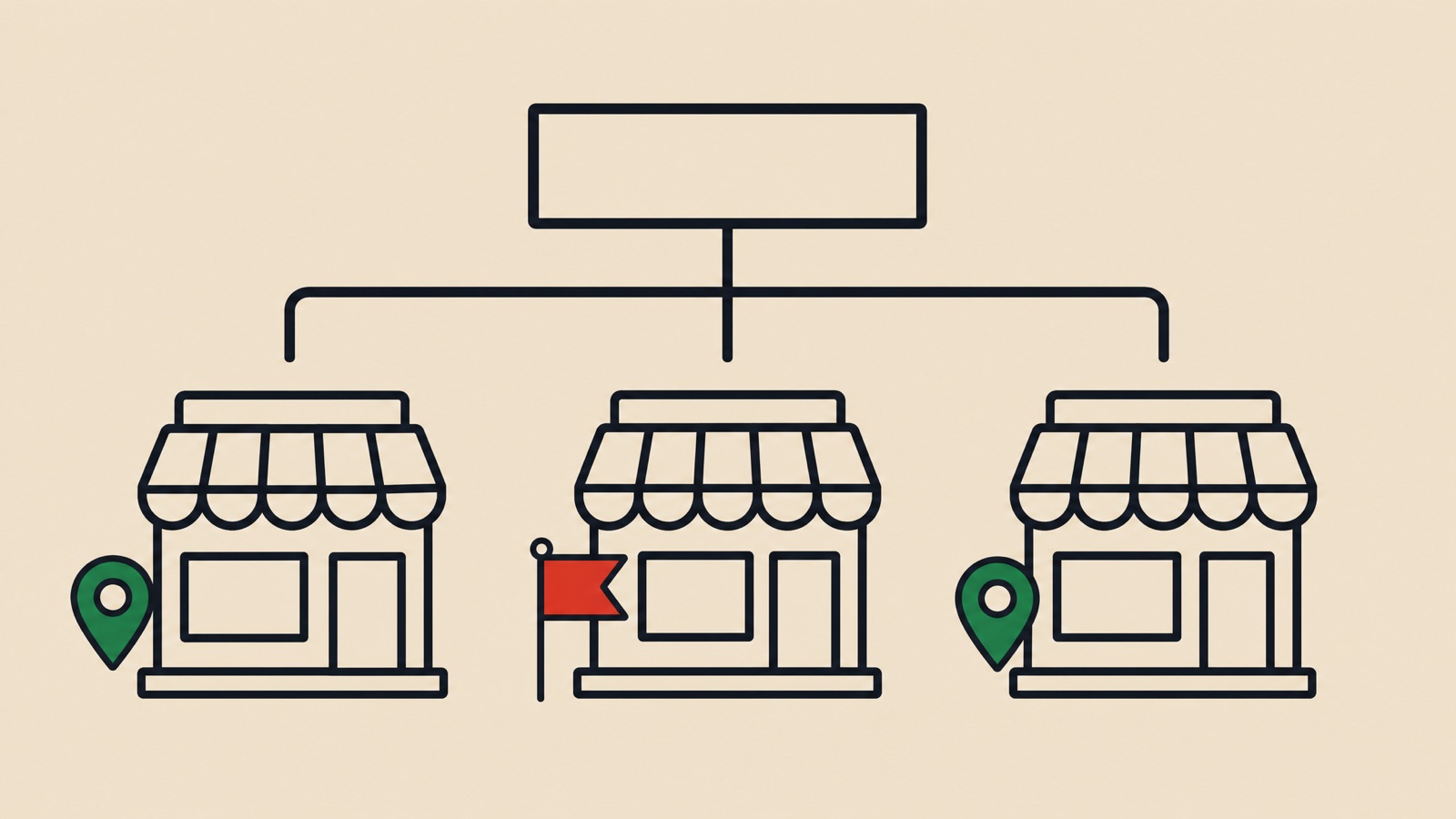
One wrong move in the dashboard can cost a client their visibility, and managing Google Business Profiles for many clients is a different discipline from running a single listing.
Risk scales alongside your portfolio size.
When an agency account gets flagged, the damage is rarely contained to one client. Every profile managed from that login is exposed at once, which is what makes account hygiene an agency-level risk rather than a client-level one.
The stakes are high.
We are going to break down the specific structural, operational, and compliance errors that trigger these suspensions and show you exactly how to secure your agency’s workflow.
Account Structure Mistakes
Structuring your digital hierarchy incorrectly is the most common reason for catastrophic failure.
Mistake 1: One Account for All Clients
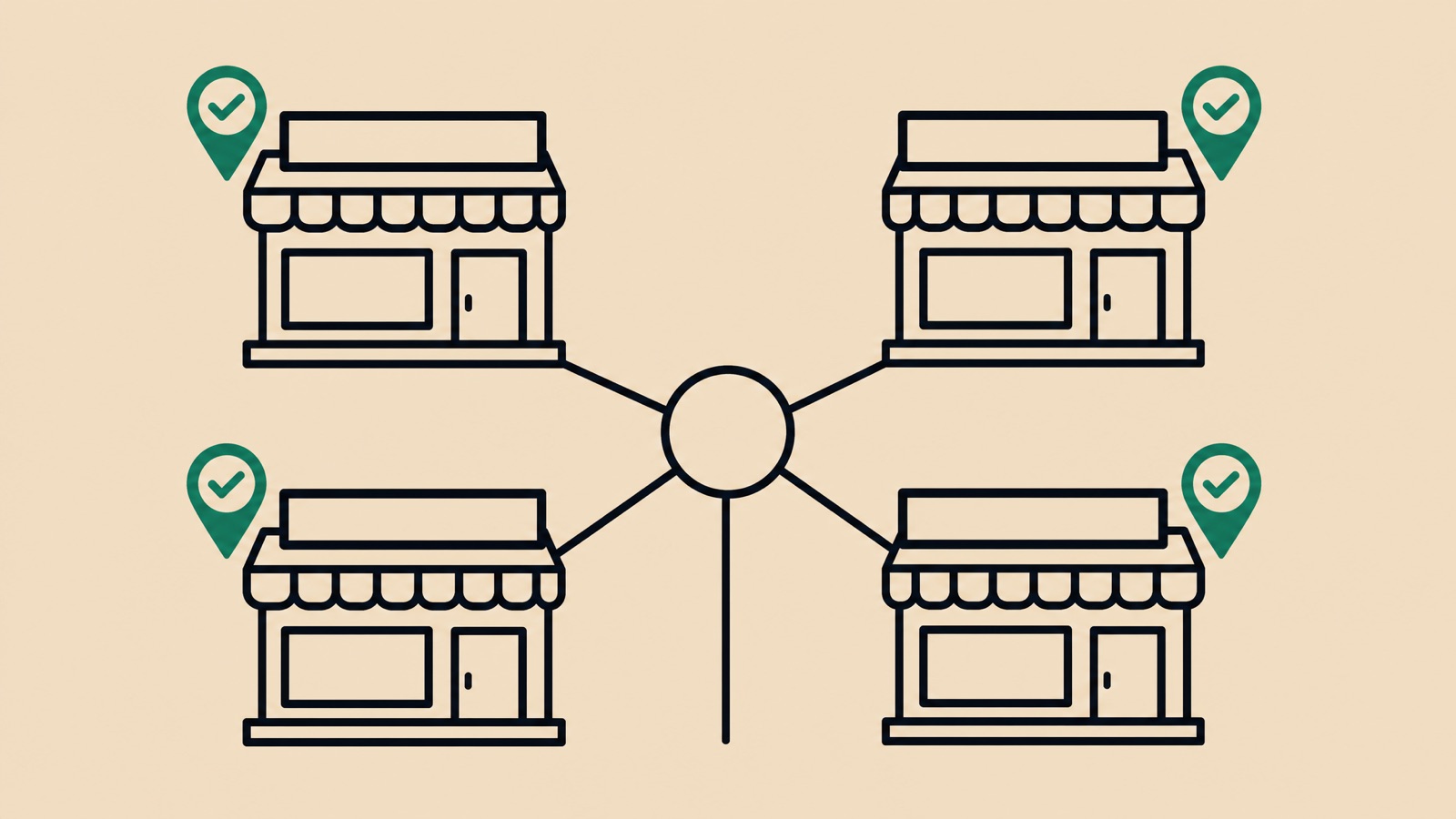
Consolidating every client into one personal Google account concentrates risk badly. Profiles managed from the same login are associated with each other, so a problem on one client’s listing can surface as scrutiny on the rest.
If one “bad apple” listing gets flagged for spam, it can taint the trust score of the entire account.
Our experience confirms that this “chain reaction” suspension can freeze every business in the account at once. You must isolate risk.
The Agency Dashboard Solution:
- Establish a Google “Organization Account” (formerly Agency Dashboard) rather than a personal Gmail.
- Group clients into location folders based on region or vertical.
- Assign different managers to specific folders to limit access.
Mistake 2: Agency Email as Primary Owner
Retaining “Primary Owner” status creates a hostage situation that violates Google’s Third-Party Policies.
Clients frequently report agencies to Google when they cannot access their own listings during a dispute.
We advise that the client’s business email must always be the Primary Owner. This approach aligns with US consumer protection standards and builds trust.
Ownership Tier Best Practices:
| Role | Who Should Have It | Permissions |
|---|---|---|
| Primary Owner | The Business Owner | Can add/remove users, delete profile, full control. |
| Owner | Agency Senior Admin | Can edit info, respond to reviews, manage users (except Primary). |
| Manager | Agency Staff / SEOs | Can edit info and post updates, but cannot remove owners. |

Operational Mistakes
Speed and efficiency are necessary, but they often trigger spam filters.
Mistake 3: Bulk Editing Multiple Clients
Updating thirty profiles in twenty minutes sends a clear signal to Google’s bots: robotic activity.
We have observed that rapid, cross-account changes often trigger a “soft suspension” or re-verification request. The algorithm interprets high-velocity editing as a script attack or a hacking attempt.
Safer editing habits:
- Spread manual edits out over the day rather than working through the whole portfolio in one sitting.
- Use API-connected software for bulk updates rather than the manual dashboard.
- Review changes on a staging sheet before pushing them live.
Mistake 4: Using Automation Carelessly
Scripts that auto-reply to reviews or auto-post content often lack context.
Google’s spam filters are increasingly sophisticated at detecting “patterned behavior” typical of low-quality bots.
We strictly vet all third-party tools to ensure they utilize the official Google Business Profile API. Using tools that “scrape” or simulate user logins violates the Terms of Service and puts the entire portfolio at risk.
Key Automation Rules:
- Never automate the primary business name or category changes.
- Always manually review AI-generated review responses before publishing.
- Limit automated posts to one per week per client to maintain authenticity.
Mistake 5: Same Photos Across Clients
Stock photography is the enemy of local search ranking.
Duplicate images are easy for Google to identify across the web.
Uploading the same “smiling receptionist” photo to a dentist in Austin and a chiropractor in Seattle tells Google that both listings are potentially fake. This reduces the “trust score” of the listing and prevents it from ranking in the Local Pack.
Keep photos authentic:
- Request raw, unedited photos from the client’s phone.
- Ensure Geotags (EXIF data) match the business location.
- Upload signage, team members, and interior shots unique to that specific location.
Compliance Mistakes
Trying to outsmart the guidelines usually results in a hard suspension.
Mistake 6: Over-Optimizing Business Names
Adding keywords like “Best Plumber” or city names to a business title is a direct violation of the guidelines.
It is a common shortcut and it routinely ends in a suspension.
Keywords in the name can help ranking, but the risk of removal outweighs the benefit. You must use the exact name as it appears on the business license or storefront signage.
Mistake 7: Creating Fake Locations
Fabricating a physical address to capture a new market area is fraud.
Fake addresses rarely survive scrutiny, because address data is easy to cross-reference against postal and commercial records.
We have seen immediate suspensions occur when agencies use P.O. Boxes, UPS Stores, or “virtual offices” as physical storefronts. If the client does not have staff at the location during stated hours, it must be listed as a Service Area Business (SAB) with the address hidden.
Mistake 8: Ignoring Category Guidelines
Choosing every loosely related category dilutes the profile’s relevance.
Algorithms favor specificity over breadth.
We recommend selecting one primary category that describes the core business, not just a service they offer. For example, a “Dentist” should not also be listed as a “Teeth Whitening Service” unless that is a distinct, primary operation.
Communication Mistakes
Technical skills mean nothing if the client relationship fails.
Mistake 9: No Documentation
Disputes arise when a client forgets they approved a change.
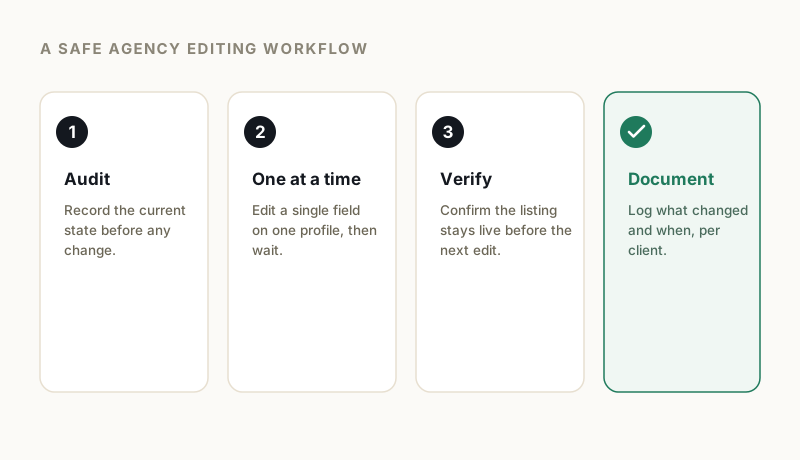
We maintain a strict “Change Log” for every account to prove value and accountability.
Without a paper trail, you cannot defend your work if a ranking drop coincides with a Google update. You need to prove that your optimizations were sound and approved.
Essential Documentation List:
- Date of change.
- Specific field edited (e.g., “Updated Sunday Hours”).
- Reason for change (e.g., “Winter Holiday Schedule”).
- Screenshot of the “Before” state.
Mistake 10: Not Educating Clients
Business owners often inadvertently sabotage their own profiles.
We make it a priority to warn clients about the “Suggested Edits” feature.
Competitors or confused users can suggest changes to a business listing. If a client blindly accepts these updates without consulting you, they might overwrite optimized data with incorrect information.
Client Transition Mistakes
How you end a contract defines your reputation in the industry.
Mistake 11: Poor Offboarding
Holding a profile hostage is unethical and practically useless.
We follow a transparent offboarding protocol that protects both parties.
If you leave a client’s profile in a disorganized state or refuse to transfer ownership, that client will likely file a grievance with Google. A history of grievances can lead Google to blacklist your agency’s account entirely.
A clean offboarding process:
- Transfer Ownership: Promote the client to Primary Owner immediately.
- Downgrade Access: Remove your agency users or downgrade to Manager for a transition period.
- Export Data: Provide a final report of insights and performance metrics.
- Disconnect Tools: Unlink any third-party scheduling or posting software.
Best Practices Summary
Success comes from treating each profile as a unique business asset.
Do:
- Keep clients as Primary Owners.
- Maintain a detailed Change Log for every edit.
- Spread edits out over time to avoid velocity triggers.
- Use unique, geotagged photos for every location.
- Train clients to ignore “Suggested Edits” until reviewed.
- Use a formal offboarding checklist.
Don’t:
- Bulk edit large numbers of profiles manually in a single sitting.
- Use a single personal Gmail for your whole client roster.
- Recycle stock images across different client profiles.
- Stuff keywords into the business name.
- Use virtual offices or P.O. Boxes for verification.
- Leave your access credentials active after a contract ends.
Adhering to these protocols ensures your agency remains a trusted partner in the eyes of both your clients and Google. If you’re managing client portfolios and want to assess your current risk level, get a free audit for your agency accounts.
GBP Reinstatement Experts
Our team works exclusively on Google Business Profile suspensions, recovering suspended profiles for businesses of every size.
About our GBP reinstatement team arrow_forward